 Lumas
LumasThe product
A PDF engine you embed, not a service you call
LumasPDF is a native library that runs inside your process. It creates, edits, renders, secures, signs and converts PDF, and it does all of that without a network connection, a document quota or a per-document fee.
How it is put together
One implementation, many front doors
The binding you install is a translation layer and nothing more. Every decision about how a page is laid out, how a font is embedded, how a signature is computed and how a file is written happens in one place.
The binding
A package, a unit, a module or a header, idiomatic for your language. It marshals arguments and returns results.
The engine
The native library, compiled for your platform. Layout, typography, rasterising, encryption and conformance all live here.
The document
A file, a stream or a bitmap — identical whichever binding produced it, because there is only one implementation underneath.
What that buys you
A document generated by a Python batch job and one generated by a .NET desktop client are produced by the same code. Moving a feature between the two is a translation exercise, not a re-implementation.
What it costs
A native dependency in your build, and a licence per platform you ship on rather than one that covers everything. We would rather say that here than have you find it at the second deployment target.
What it looks like
Real output, real components
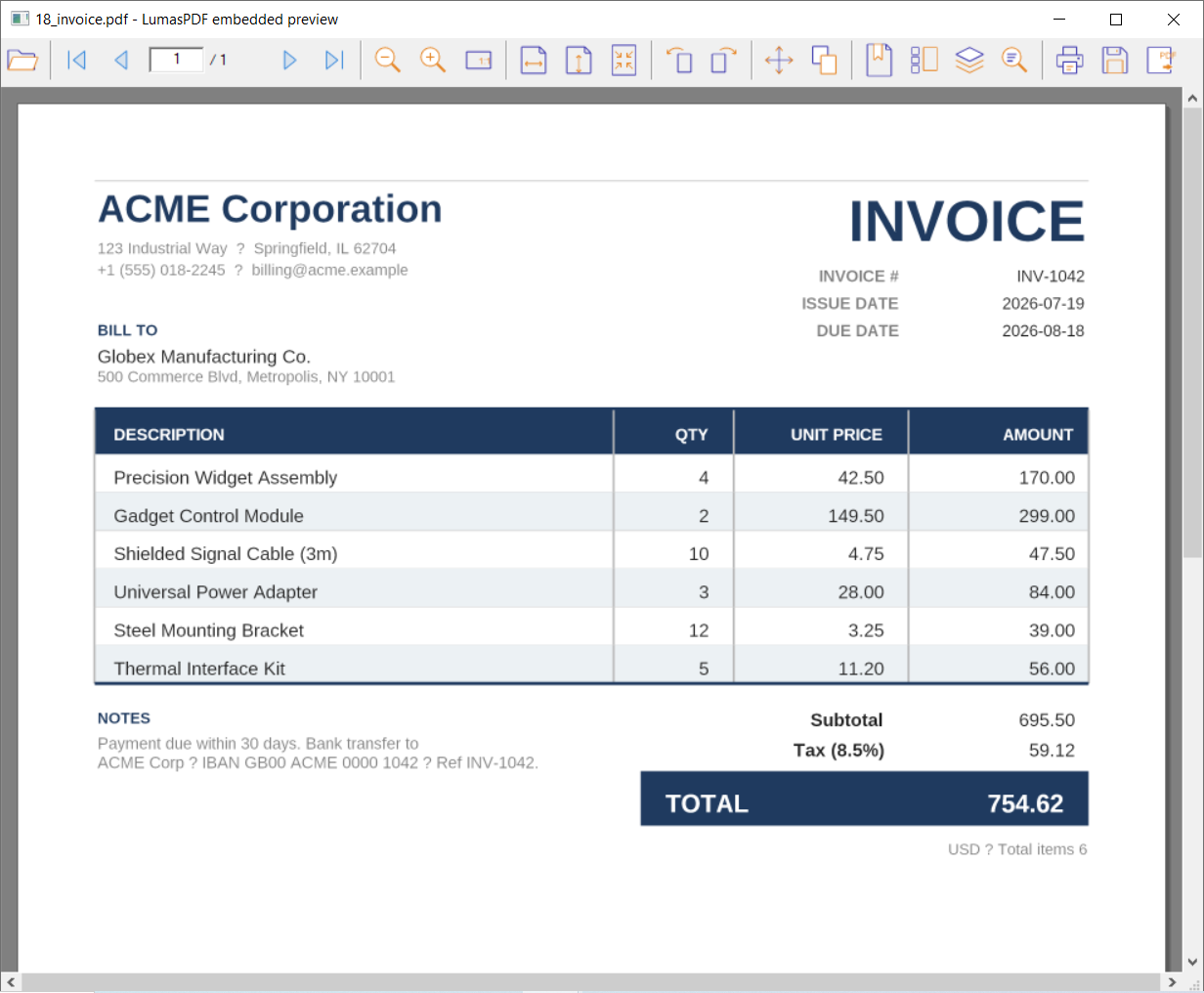
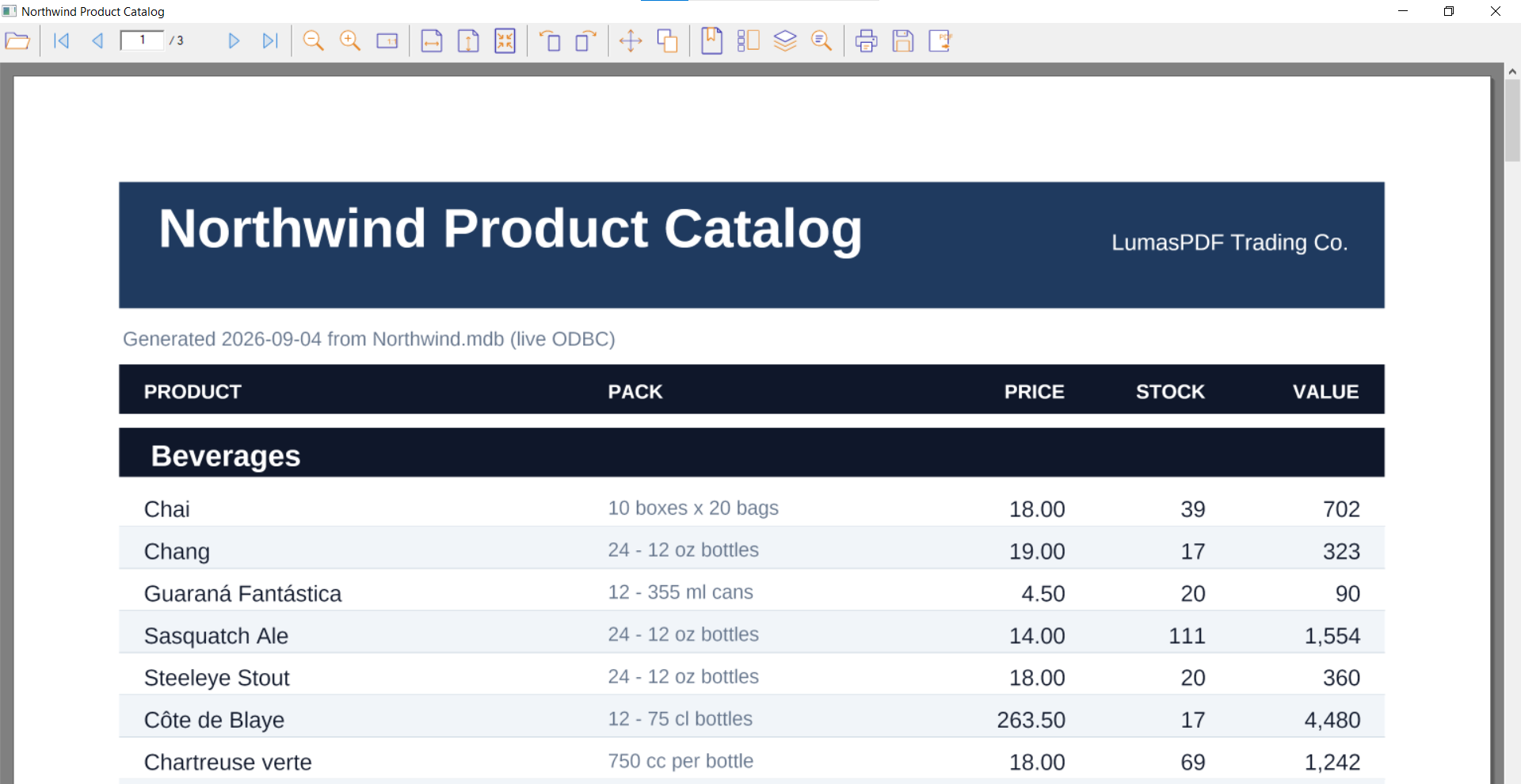
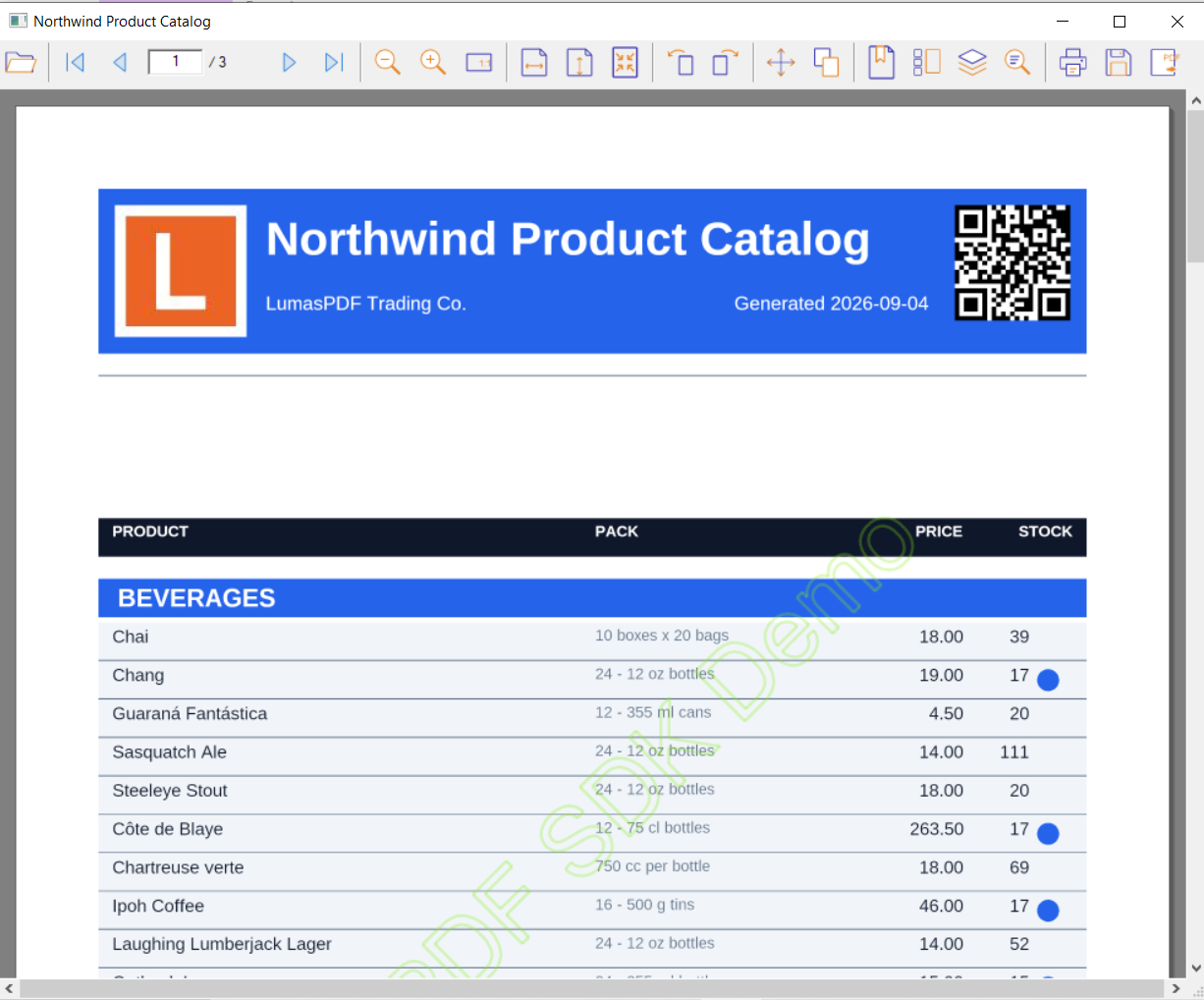
Documents generated by the engine, shown in the viewer components that ship with it. Screenshots of the actual software, not renderings of it.
Capabilities
Every documented area, with the manual's own count
Ordered by size. These are the areas of the API reference, not a marketing taxonomy — if the manual documents it, it is here, and the number beside it is the manual's.
Packages
All 17 of them
Same engine, same API. The package decides the language you call it from and the platforms your licence covers.
The fastest way to evaluate it is to run it
The download is public and unrestricted. Everything works without a key; unlicensed output just carries a watermark.